The way I figured it out (after screwing it up first)
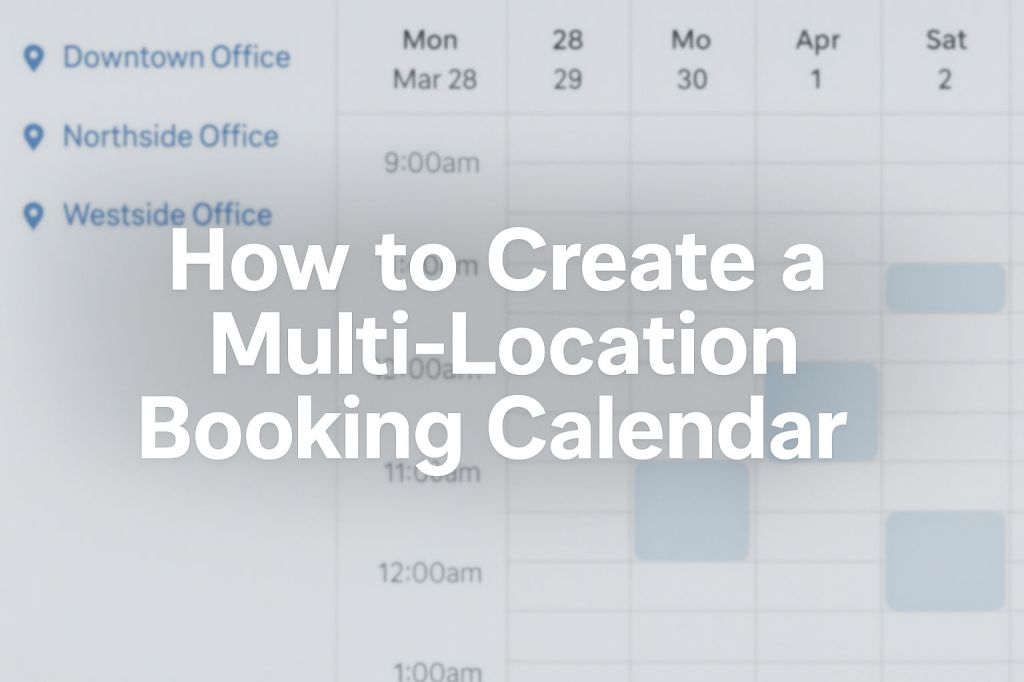
Alright, let me just be straight with you. Setting up a calendar for one location is already annoying. Now, if you’ve got two or more? Forget it. I made a mess of mine the first time. People were booking appointments in the wrong spot, showing up to the wrong office — one guy even called me from his car outside a building I wasn’t even at. Fun times.
Anyway, I fixed it. It works now. Here’s how I did it.
Start with the basics (because you’re probably overthinking it)
All you really need is:
- A way for people to pick a location
- A calendar for each location
- A booking link that doesn’t confuse the hell out of everyone
That’s literally it. Don’t go searching for a “multi-location booking system with AI auto-routing” or whatever buzzwords are trending. You don’t need it.
Pick a tool that lets you separate stuff
So, tools. I used Acuity first. Then I moved to GoHighLevel ‘cause I needed more automation. Here’s what I liked and didn’t:
- Acuity: Stupid easy. Clean interface. Each “appointment type” can be tied to a different location. Honestly, perfect if you’re not techy.
- GoHighLevel: Little more clunky at first, but powerful if you want to send texts, emails, automate replies, etc.
- Calendly: It can do it… kind of. But it’s not really built for location-based stuff unless you get creative.
If you’re just starting out, go with Acuity. No shame in keeping it simple.
Set up a separate calendar (or booking type) for every place
So here’s what I did:
- One calendar for my “Downtown Office”
- One for “East Clinic”
- One for “Zoom / Online Only”
They each have their own availability. For example, I’m only at the downtown spot on Mondays and Wednesdays. The East Clinic is Thursdays. Zoom calls I do every day.
Trying to make one calendar handle all of that? It was a disaster. Don’t do that.
Give people clear choices
What I did next was build a dead simple page. At the top, it just says:
Where do you want to meet?
Then three buttons:
- 📍 Book at Downtown
- 📍 Book at East Clinic
- 💻 Book a Zoom Call
Each button takes them to the exact calendar they need. No guessing, no mix-ups.
Seriously — you’d be shocked how much confusion this removes.
Confirmation messages matter more than you think
This part… I screwed up at first. My confirmation emails didn’t even say the location. Just a date and time. People assumed it was Zoom. It wasn’t. It was in-person. So yeah, awkward.
Now I do this:
- Confirmation email and text both say the location name + address
- I add a Google Maps link in the message
- I also mention the parking situation (because that’s what people always ask)
Here’s the text I send now:
“Hey! You’re booked for Thurs at 3PM at the Downtown Office (123 Main St, 3rd floor). Paid parking across the street. Reply if you need help finding us!”
Nobody has gotten lost since.
Last thing: test the whole thing
Please don’t just assume it works. I booked fake appointments with my own phone. I tried to “mess it up” on purpose — clicked the wrong button, picked wrong days, etc.
Why? Because that’s what your clients will do.
And yeah, I caught two mistakes:
- One link was pointing to the wrong calendar.
- One time zone was off by an hour.
Easy fixes once you see it. But if I didn’t test it, I’d be dealing with more of those awkward “I’m here, where are you?” calls.
That’s basically it
To be honest, it’s not that hard once you stop trying to make it perfect. One calendar per location. A page with clear buttons. Make the messages easy to read. Done.
Don’t try to build some genius system with automation bots and AI scheduling logic unless you really need it. People just want to pick a time and know where they’re supposed to go.
If you’re stuck somewhere in the setup, just shoot me a message. I already screwed it up once, so I probably know how to fix it.
 Drop Funnel
Leave a comment