No fluff. Just what I do that works.
Okay, so let me keep it real for a second:
I used to have people booking with me and just… not showing up. Like, at all. And I’d sit there, wasting time, thinking “Did they forget? Did I mess up? Are they ghosting me?” Turns out, most of the time, they just forgot.
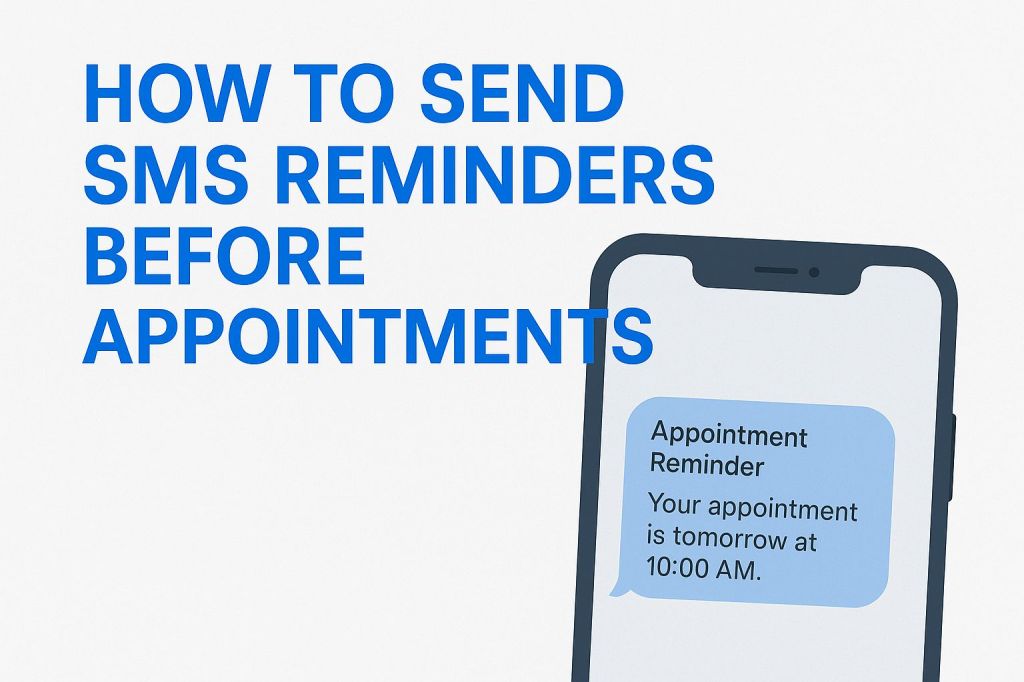
So yeah, sending a little text before their appointment fixes a lot of that. And no, I don’t sit there texting people one by one — I set it up once and now it just works. Here’s how you can do the same.
First: Don’t Overthink the Tool
Everyone wants to sell you some big fancy system, but really, you just need something that books appointments and sends texts. Here’s what I’ve tried:
- Calendly: I like it. But you need Zapier or something to make SMS work.
- GoHighLevel: This one’s all-in-one. Has texting baked in. Bit more to set up, but clean.
- Acuity: Solid for solo biz, yoga teachers, coaches, etc.
- Twilio: Just does texting. If you wanna DIY, this is for you.
Pick one. Doesn’t really matter which — they all work if you use them right.
Setting It Up (How I Did It)
I’ll explain what I did with GoHighLevel, but if you’re using something else, the steps are kinda the same.
- Go to Automations.
- Create a new one: “When Appointment is Booked.”
- Add a delay: “Send SMS 24 hours before.”
- Type the message you want.
That’s it.
I also added one for 1 hour before, because let’s be honest, people forget quick.
What the Message Looks Like:
“Hey Sarah 👋 just reminding you we’ve got a call tomorrow at 2 PM. Let me know if anything changes.”
Simple. Friendly. Not weird.
With Calendly + Zapier + Twilio
If you’re more DIY, do this:
- Bookings happen in Calendly.
- Zapier sees that, then triggers Twilio.
- Twilio sends the text.
That’s it. Took me like 20 minutes the first time. Now it just runs.
A Few Tips So You Don’t Screw It Up
- Always test it first. Book an appointment with your own number and see if the text shows up.
- Keep it short. No one wants a novel in a text.
- Don’t sound like a robot. Seriously. This isn’t a bank notice.
Here’s what NOT to send:
“Reminder: Your appointment is confirmed for 06/22/2025 at 14:30 hrs.”
Bro. No.
Here’s better:
“Hey it’s Rami – just reminding you we’ve got your session booked for tomorrow at 2:30 PM. See you then!”
Feels like it came from a real person — because it did.
Bonus: Let People Confirm With a Reply
This is cool if your tool supports it. I use this in GoHighLevel:
“Reply Y to confirm, N if you need to cancel.”
When they reply “Y”, it tags them as confirmed in my dashboard. That way I know who’s actually showing up.
Final Thoughts (Not the Inspirational Kind)
Look, if you’ve got people booking time with you, and you’re not sending reminders, you’re gonna lose time. It’s just how people are — distracted, forgetful, and busy. A quick text can fix all that.
And no, it doesn’t need to be perfect. Mine still has a typo in one of the workflows and nobody’s ever mentioned it.
Just get it working. Set it and forget it.
If you get stuck, send me a message or something. I’ve messed with all these tools more than I’d like to admit.
 Drop Funnel
Leave a comment